What you can block, and what unblocking takes
You pick the apps and websites, and Finite Phone blocks them. Unblocking anything takes 48 hours, and nothing shortens it.
A blocked app is off your home screen
Finite Phone hides the app you pick, so it won't open. Its data stays on your phone. You can block an app from our list before it's installed. A block covers the whole app.
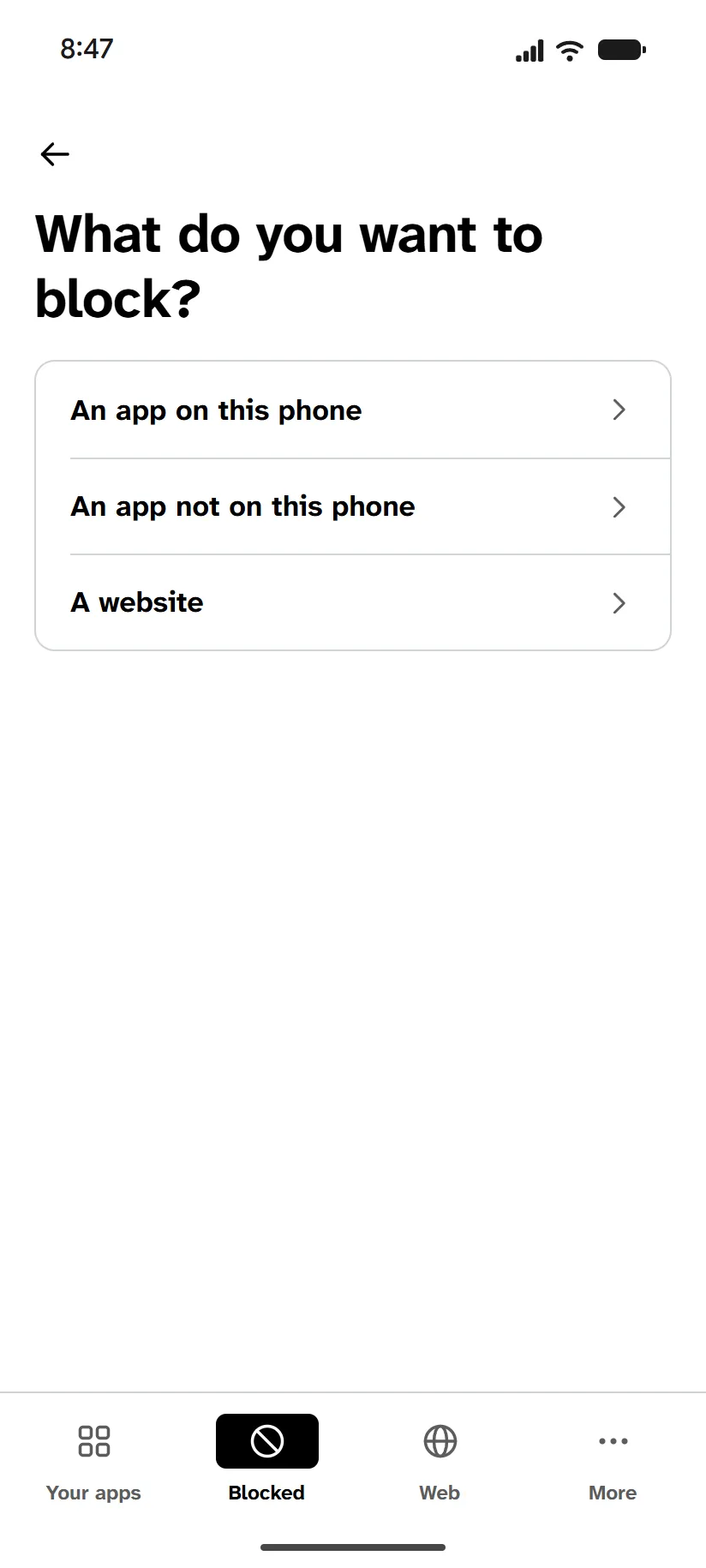
Block one website, or a ready-made list
Type a site like reddit.com, or pick a list, like Social media. No list shows its sites, so each has a box that checks one. Blocks don't reach pages inside another app's own window.
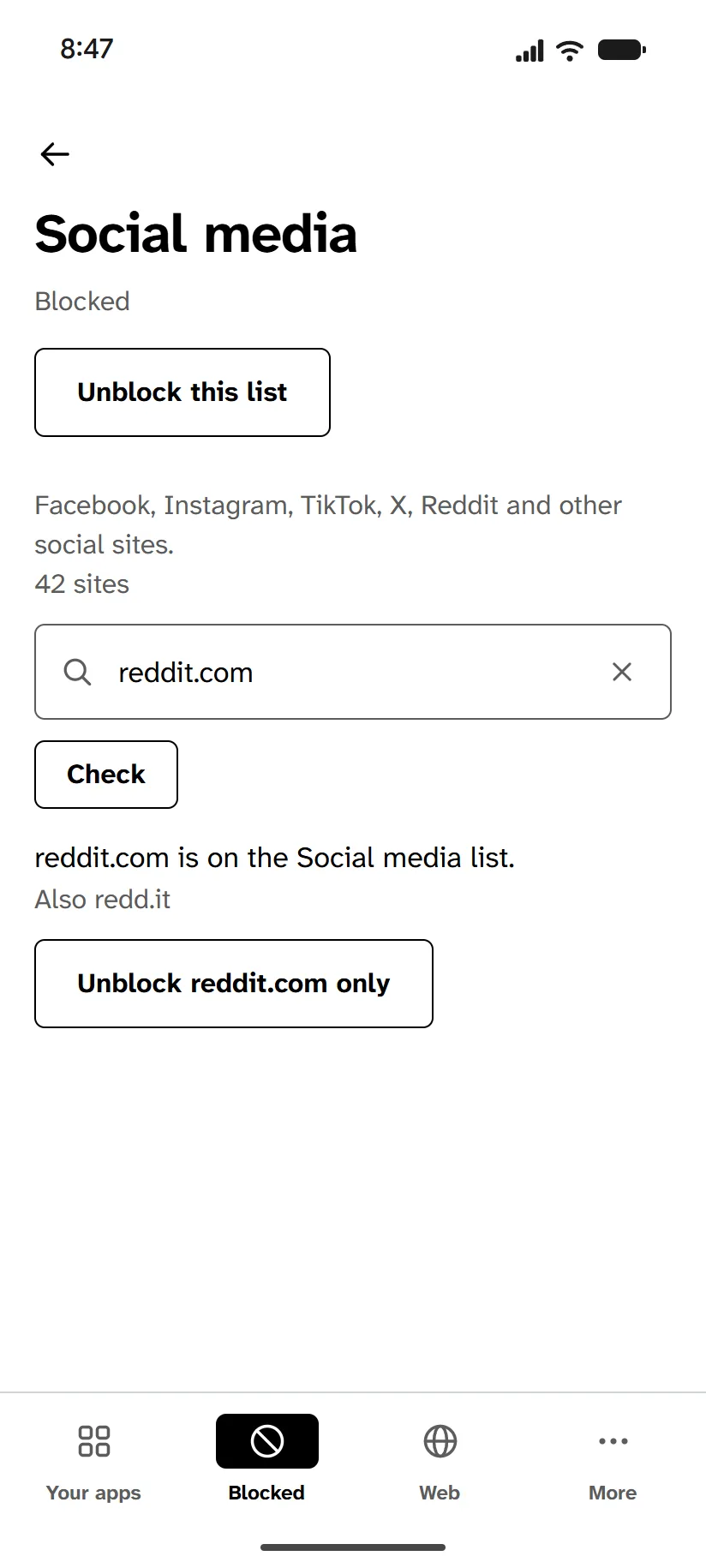
Unblocking anything takes 48 hours
Tap Unblock, and it comes back 48 hours later. You can keep it blocked until then. Your phone reminds you an hour before, and if it would come back between 10 PM and 9 AM, the reminder comes at 9 PM the evening before. An app can come back with a daily limit.
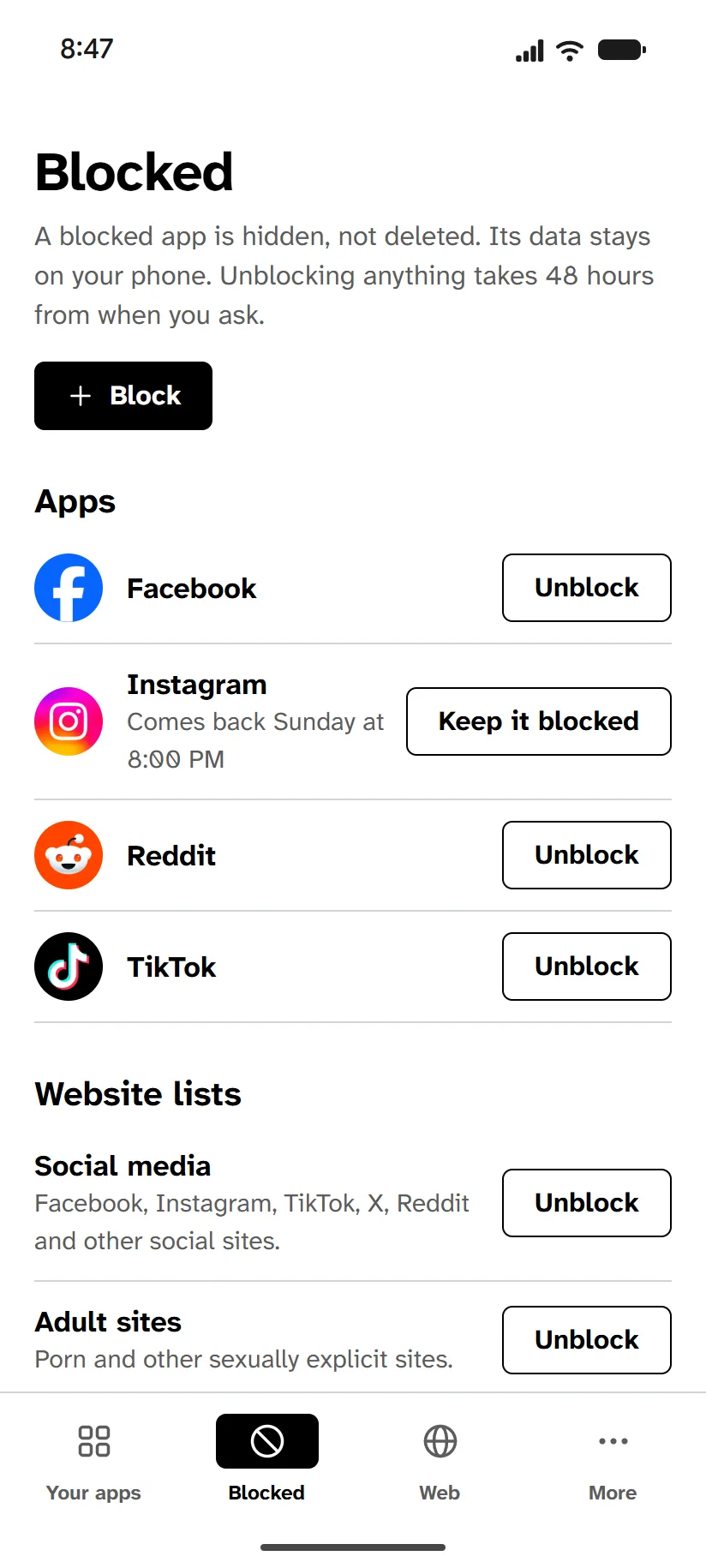
Lock an app for 15 minutes to 24 hours
Once it's set, there's no early unlock, not even from us. Or lock it on a schedule, like every night from 9 PM to 7 AM. Shortening or deleting a schedule takes 48 hours.
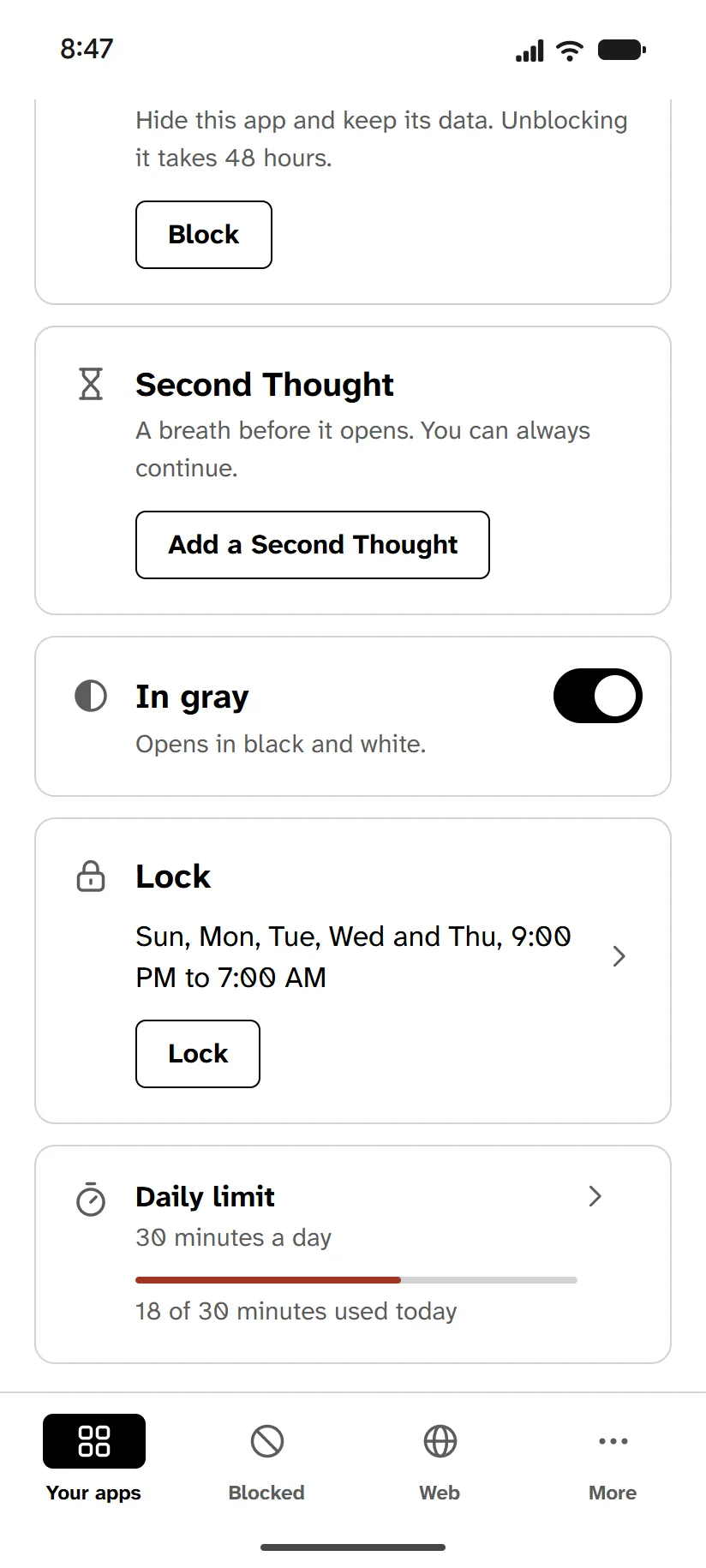
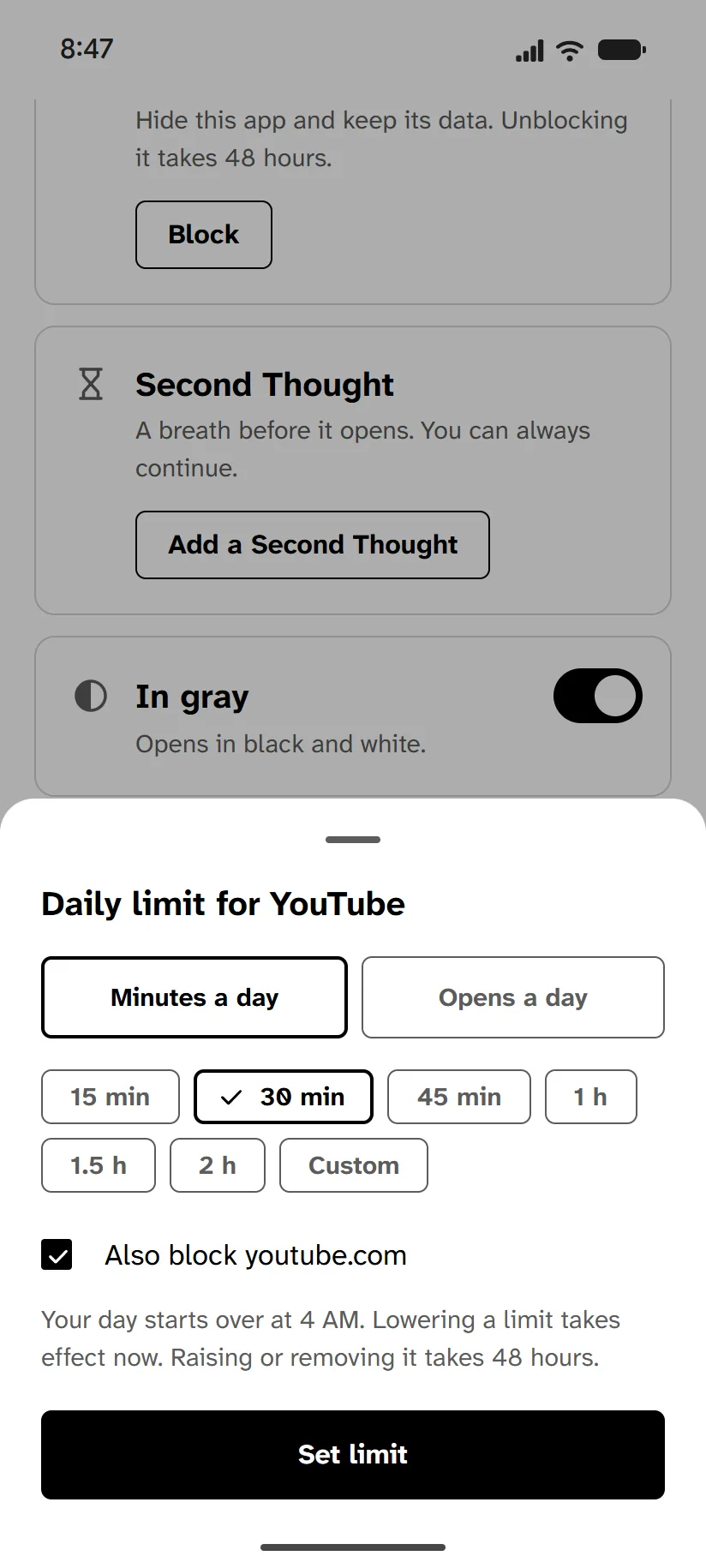
Give an app a daily limit in minutes or opens
When it's used up, the app locks until 4 AM, even if it's open, and there's no snooze. Lowering a limit takes effect now, but raising or removing it takes 48 hours.
Add a pause before an app opens
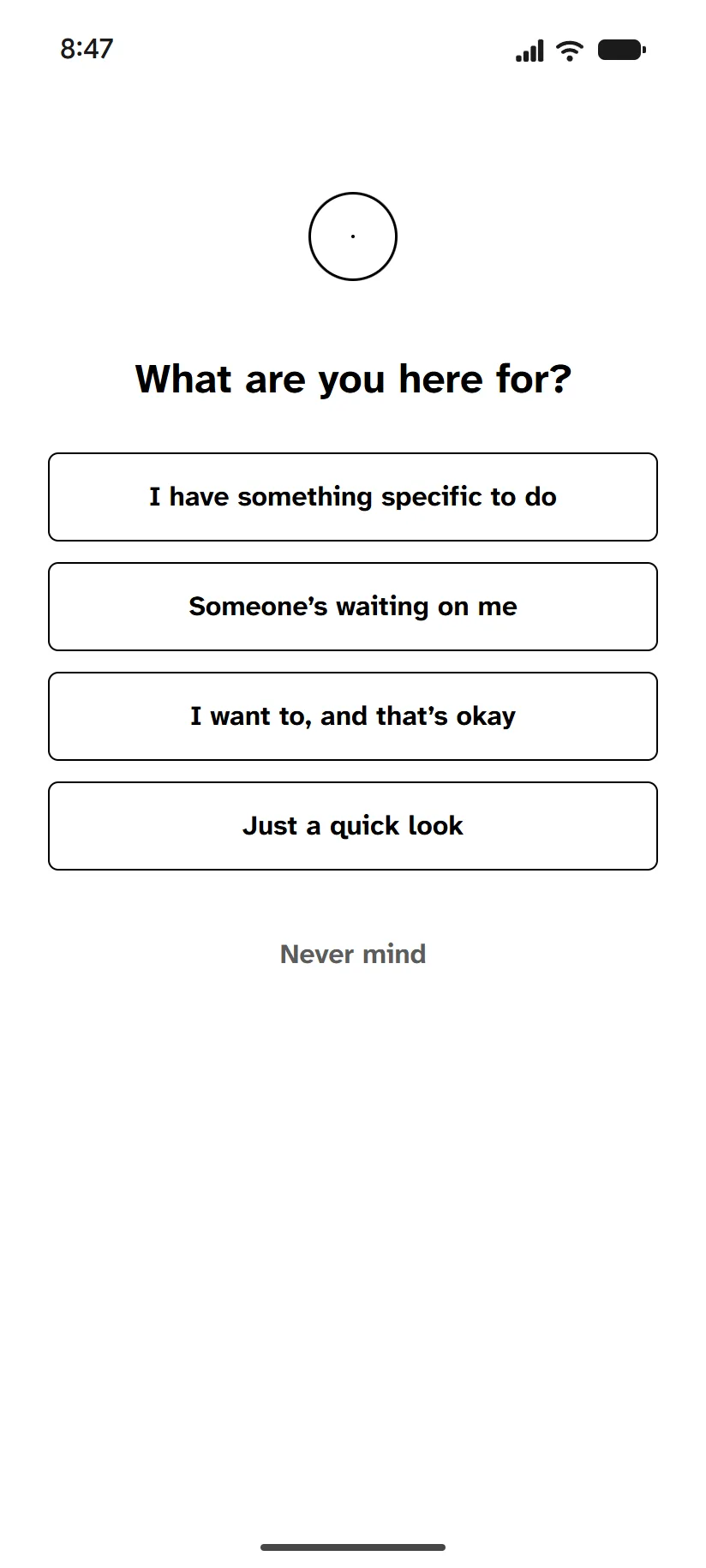
A Second Thought is a wait of 10 to 60 seconds before the app opens, longer with each open that day. Firmer levels ask why you're opening it. You can always go on. Making it gentler or removing it takes 24 hours.
Turn an app gray while you use it
While it's open, your whole screen is black and white. The rest of the phone remains in color. Its In gray switch, in the Finite Phone app, turns off at once.
Strict blocks every website you haven't listed
Sign-in pages, payment pages and our sites stay open. Adding a site later takes 48 hours, unless it's on our suggested list, and so does switching back to Standard. A card payment that asks your bank to confirm may not finish in the browser.
Your bank, maps and basic apps stay open
Finite Phone won't block or lock the phone's basic apps, or apps Google Play lists under Finance, Medical, Health and Fitness, Maps and Navigation, or Tools. A few trading and betting apps can be blocked.
Setup takes a computer and your phone's cable
The computer needs Chrome or Edge, and you need it only for setup. You sign out of the phone's accounts, then sign back in to Google. The phone isn't wiped, and afterward it says Finite Phone manages it.
What happens if you try to get around it
| If you try to | What happens |
|---|---|
| Delete a blocked app and install it again | It's hidden again as soon as it installs. |
| Open a blocked app from recent apps or a pop-up window | It won't open, because a blocked app is hidden. |
| Install the Lite version or a copy | The Lite versions and copies we know of are blocked with it. |
| Use another browser | Other browsers are hidden. |
| Install an app from a website | Apps install from Google Play, or the Galaxy Store on a Galaxy. An app from anywhere else is hidden. |
| Install a new app | It's open until you block it. |
| Open a site inside another app | Website blocks don't reach a page an app opens in its own window. |
| Uninstall Finite Phone | Android won't let you while Finite Phone manages the phone. |
| Change the date and time | Those settings are turned off, and Finite Phone keeps time from our server. |
| Start in safe mode, or add a second user | Both are turned off. |
| Turn off a permission | Blocks and locks don't depend on one. If you turn off usage access, apps with a daily limit stay locked until it's back on. Second Thought and In gray stop working until then. |
| Use a VPN | Website blocks still apply. |
| Use another phone, a tablet or a computer | Finite Phone covers only the phone you set up. |
What it takes to undo
| To | What it takes |
|---|---|
| Unblock an app or a site | 48 hours from when you ask. You can keep it blocked until then. |
| Remove Finite Phone | Removing it takes 48 hours, from your account page. How removal works |
| Factory reset the phone | It removes Finite Phone right away, and erases everything on the phone. |
| Cancel your subscription | It stops the renewal. When your paid year ends, Finite Phone comes off the phone 48 hours later. Removing Finite Phone is separate, and doesn't cancel your subscription. |